-
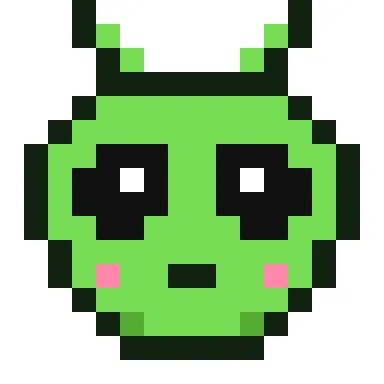 Alien pixel art
-
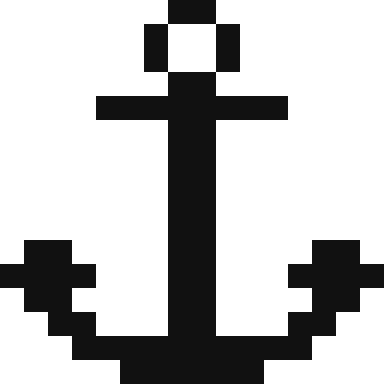 Black and white anchor pixel art
-
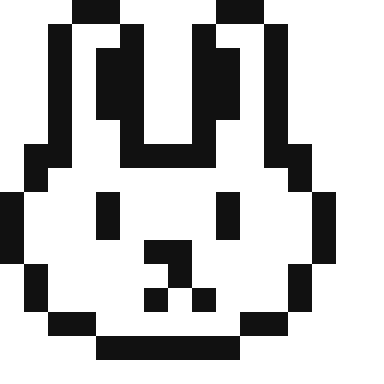 Black and white bunny pixel art
-
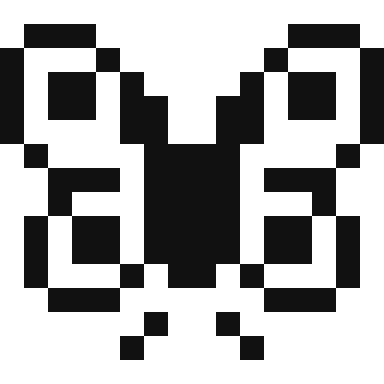 Black and white butterfly pixel art
-
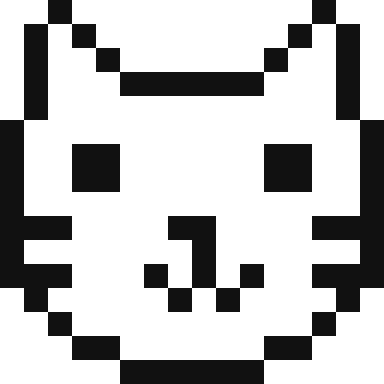 Black and white cat face pixel art
-
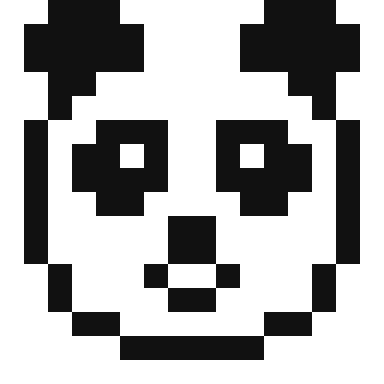 Black and white panda pixel art
-
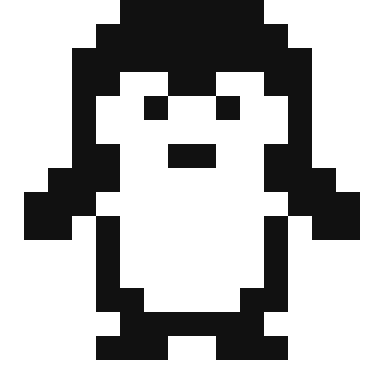 Black and white penguin pixel art
-
 Black and white smiley face pixel art
-
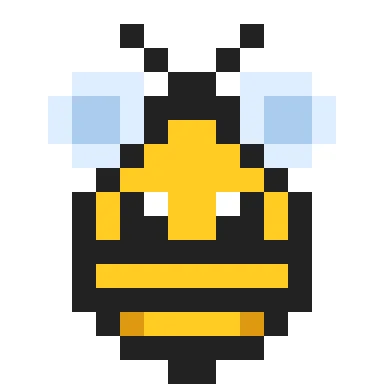 Bumblebee pixel art
-
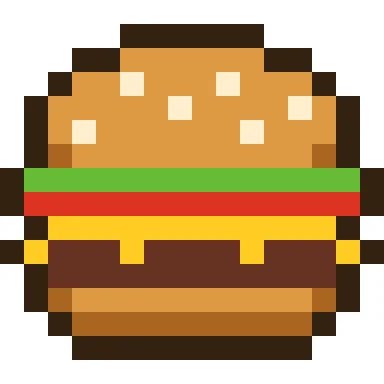 Burger pixel art
-
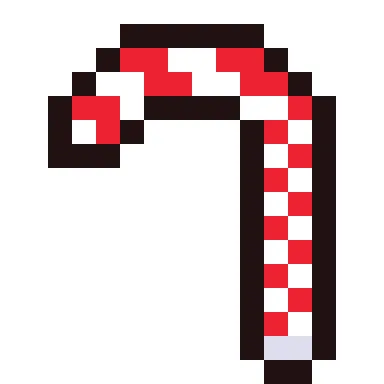 Candy cane pixel art
-
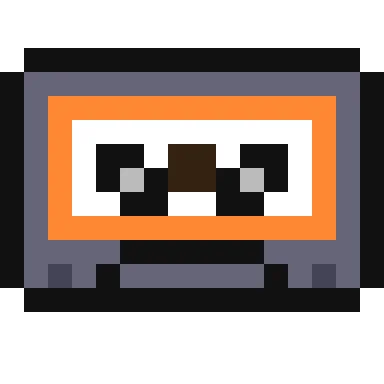 Cassette tape pixel art
-
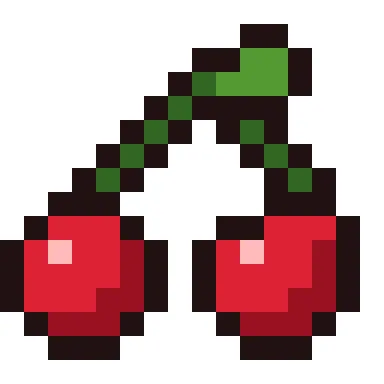 Cherries pixel art
-
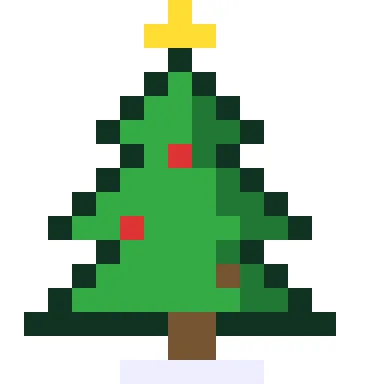 Christmas tree pixel art
-
 Coffee mug pixel art
-
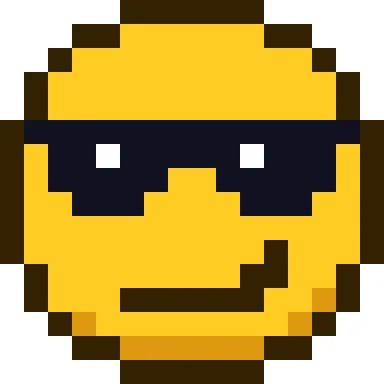 Cool face with sunglasses pixel art
-
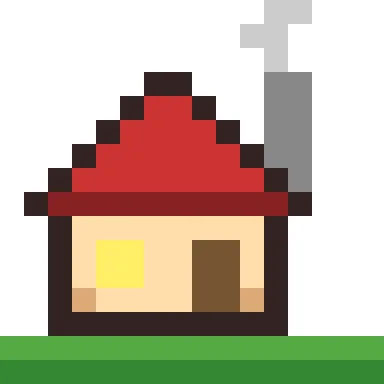 Cosy house pixel art
-
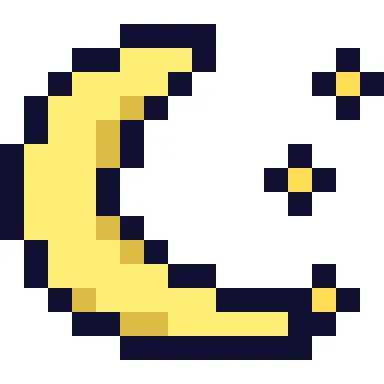 Crescent moon pixel art
-
 Cupcake pixel art
-
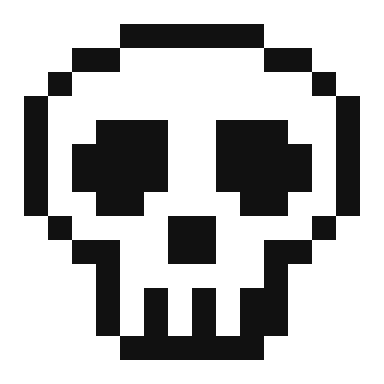 Cute skull pixel art
-
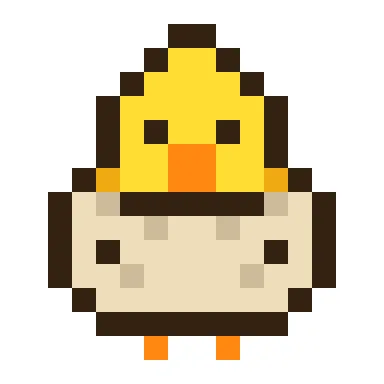 Easter chick pixel art
-
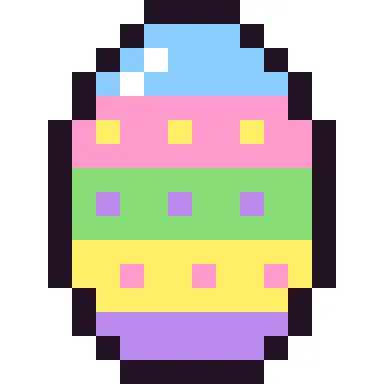 Easter egg pixel art
-
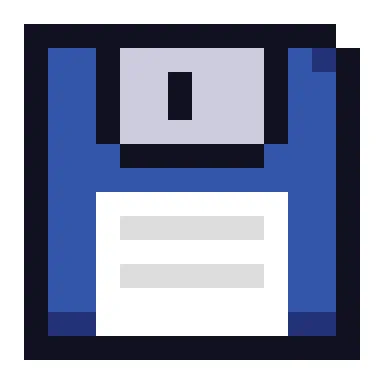 Floppy disk pixel art
-
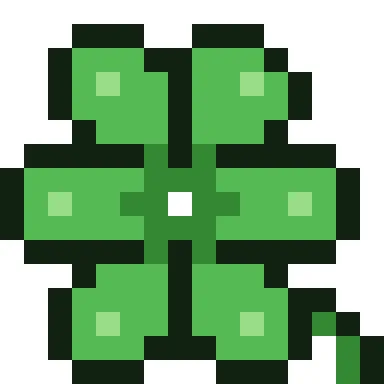 Four-leaf clover pixel art
-
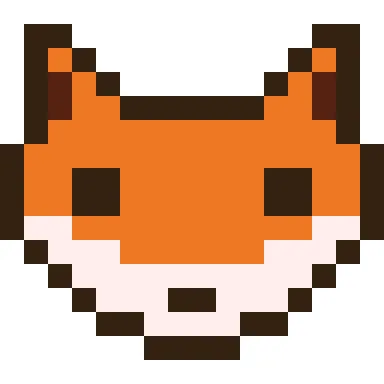 Fox face pixel art
-
 Friendly ghost pixel art
-
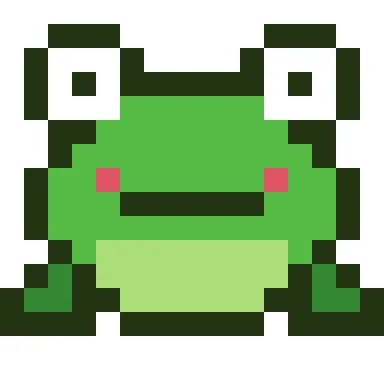 Frog pixel art
-
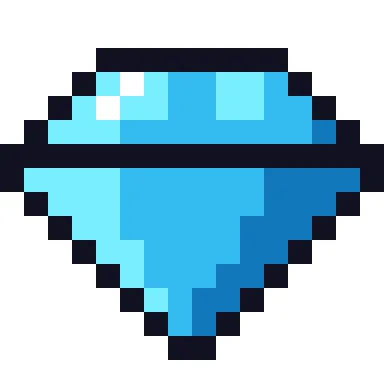 Gemstone pixel art
-
 Gift box pixel art
-
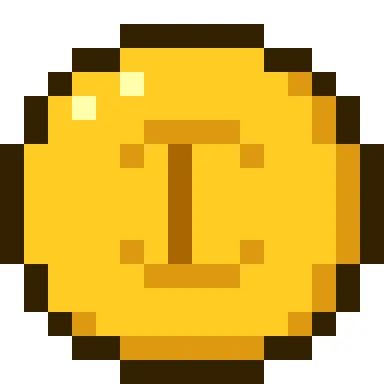 Gold coin pixel art
-
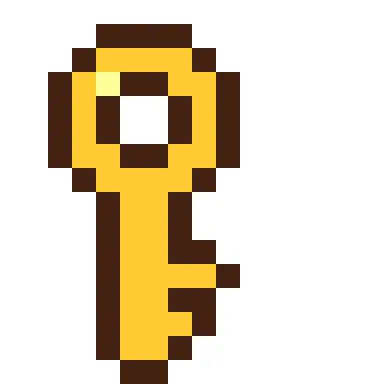 Golden key pixel art
-
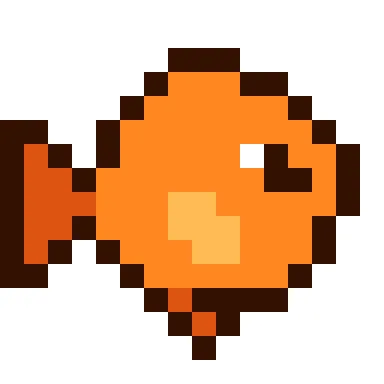 Goldfish pixel art
-
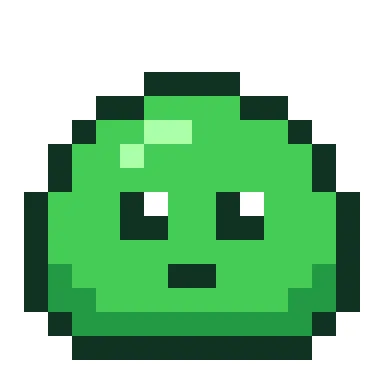 Green slime pixel art
-
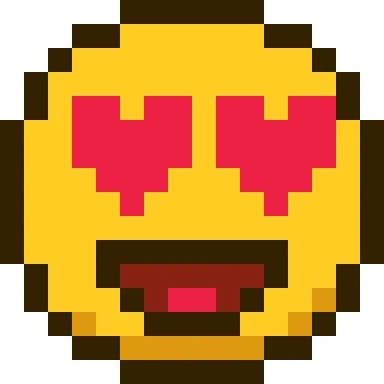 Heart eyes face pixel art
-
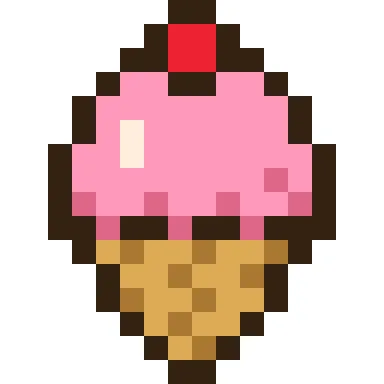 Ice cream cone pixel art
-
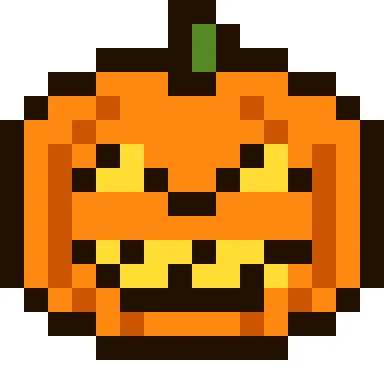 Jack-o'-lantern pixel art
-
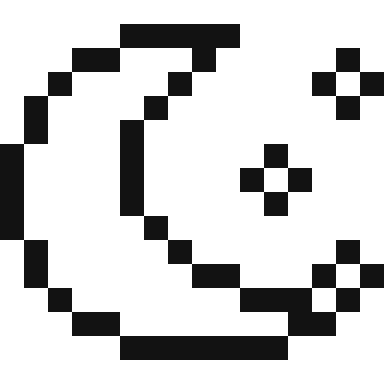 Moon and stars pixel art
-
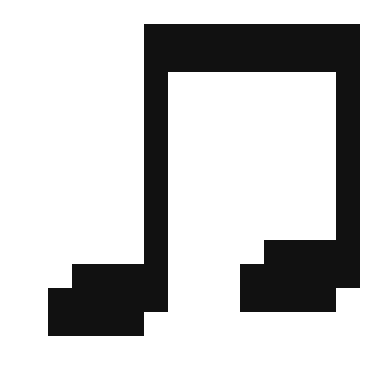 Music notes pixel art
-
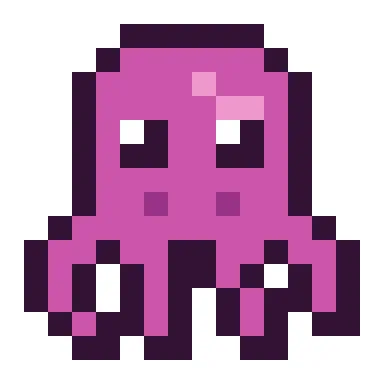 Octopus pixel art
-
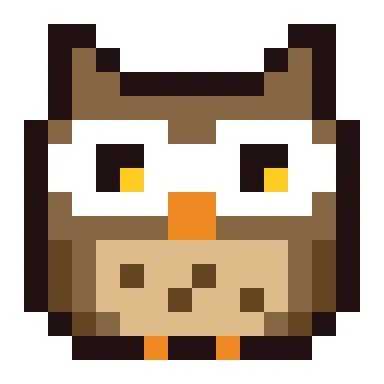 Owl pixel art
-
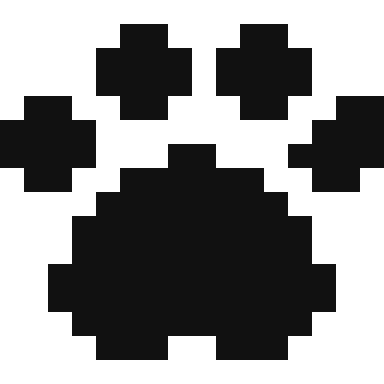 Paw print pixel art
-
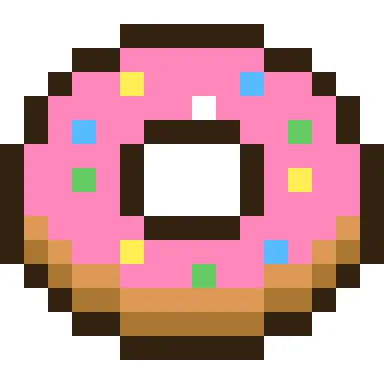 Pink donut pixel art
-
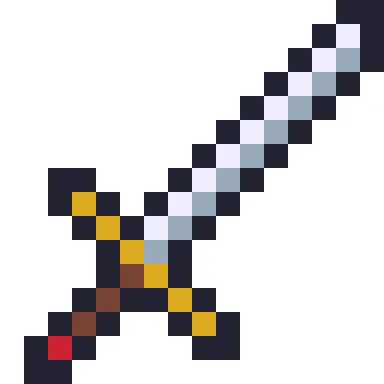 Pixel sword
-
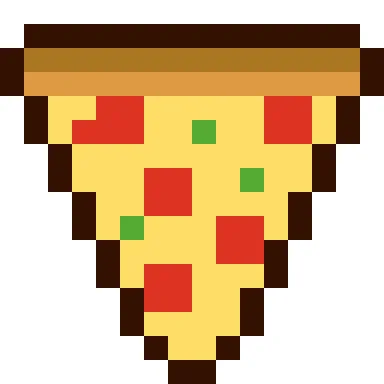 Pizza slice pixel art
-
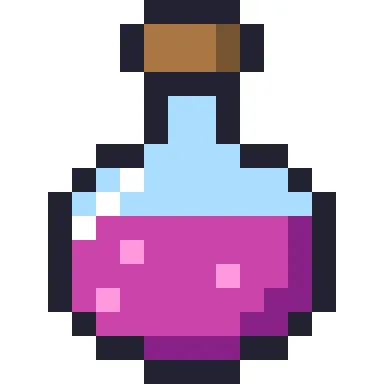 Potion bottle pixel art
-
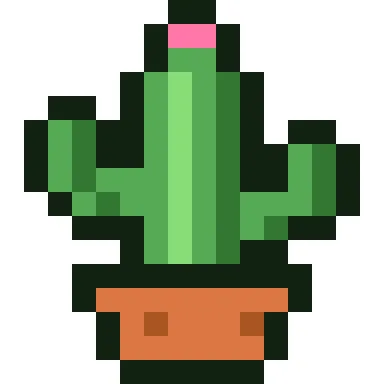 Potted cactus pixel art
-
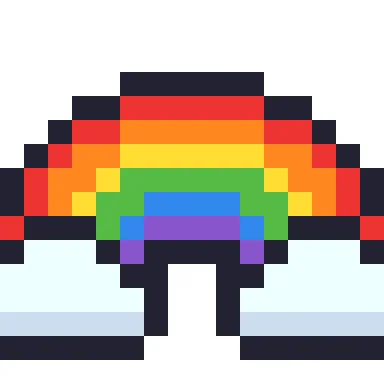 Rainbow pixel art
-
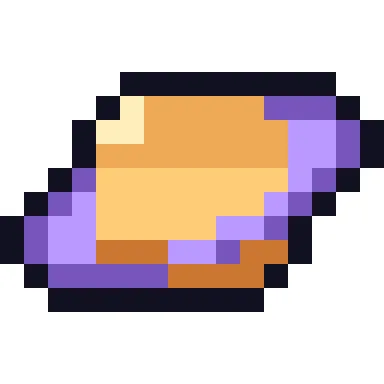 Ringed planet pixel art
-
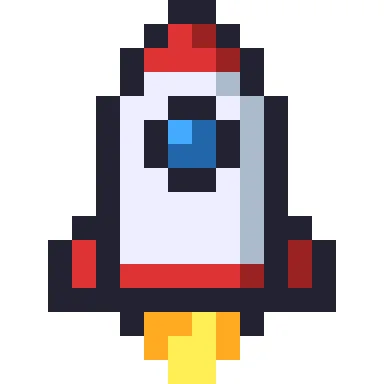 Rocket ship pixel art
-
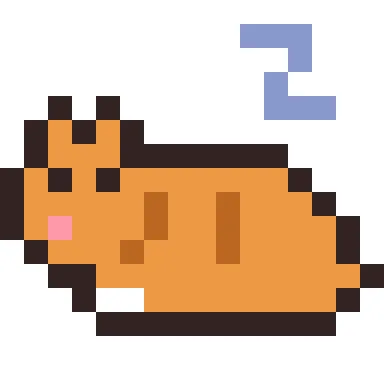 Sleeping cat pixel art
-
 Sleepy face pixel art
-
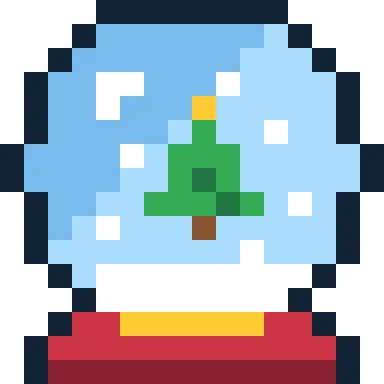 Snow globe pixel art
-
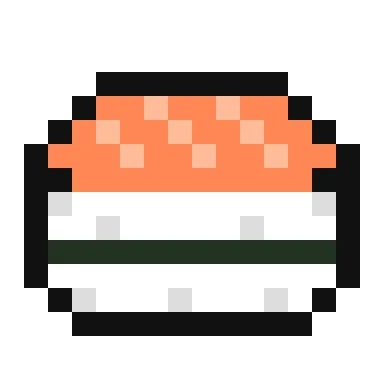 Sushi pixel art
-
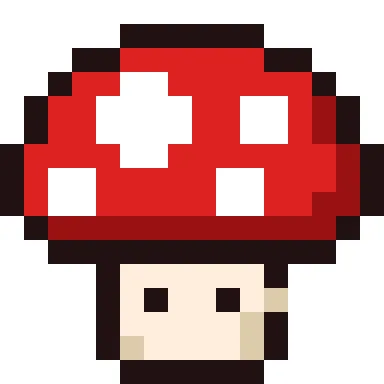 Toadstool pixel art
-
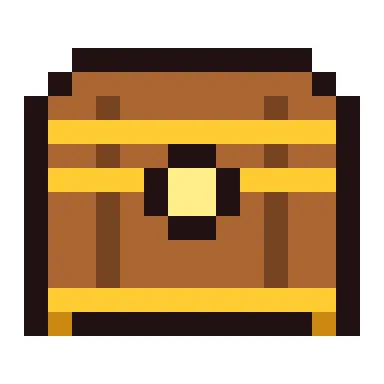 Treasure chest pixel art
-
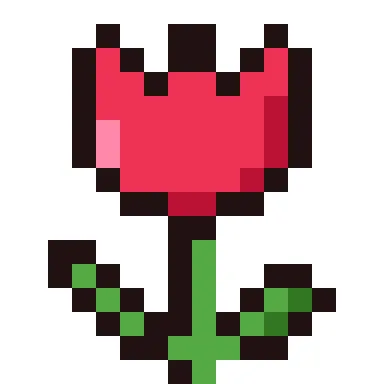 Tulip pixel art
-
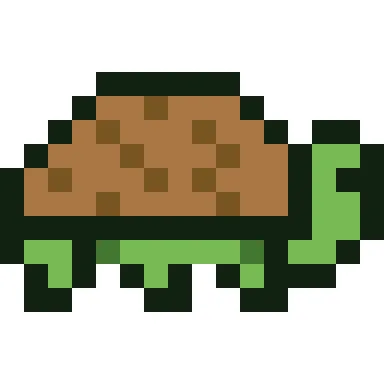 Turtle pixel art
-
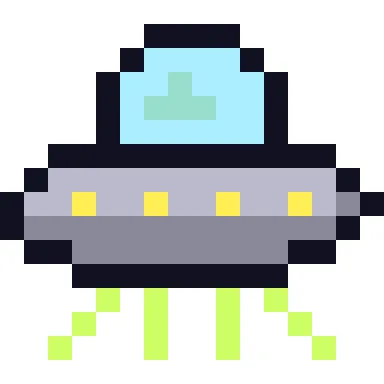 UFO pixel art
-
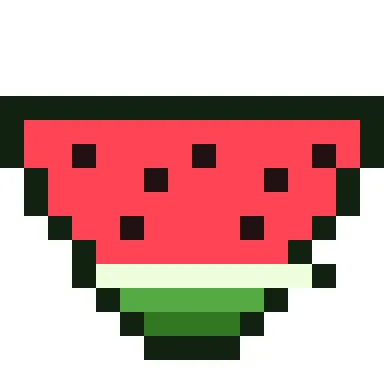 Watermelon slice pixel art
-
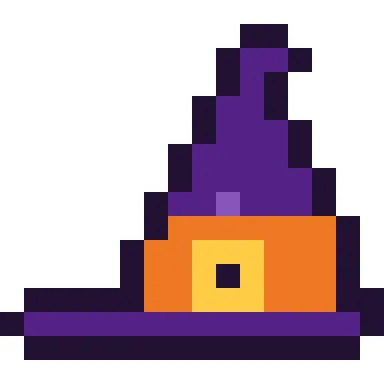 Witch hat pixel art
-
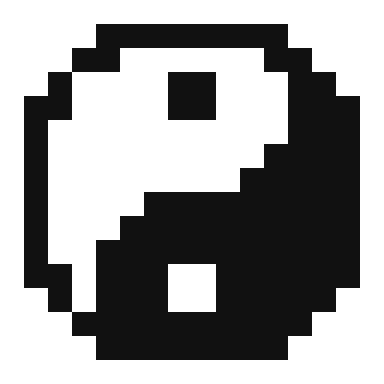 Yin yang pixel art
Start small: 16 × 16
Almost every idea here fits a 16 × 16 grid, the classic size for game sprites and icons. It is big enough for eyes, shading and a highlight, and small enough to finish in one sitting on graph paper. Each page shows the full grid, the colour list and a downloadable PNG, and the pixel art editor opens any of them so you can change colours or redraw parts.
How the designs are drawn
Each sprite uses a dark outline, two or three shades per object (a base colour, a shadow and a highlight) and light coming from the upper left. Those three habits are what make tiny pictures read clearly. Open a few side by side and you will see the same tricks in the frog, the donut and the gold coin, then try them in your own drawings.
PNGs that stay sharp
Download a PNG at 1×, 8× or 16×. Always scale pixel art by whole numbers with nearest-neighbour resizing so the edges stay sharp. Pixel art uses free colours rather than a thread or bead brand, so the key lists hex codes; when you switch a sprite to a craft, the editor matches each colour to the nearest real bead or thread.
Make them real
A 16 × 16 picture is also a ready-made craft chart: it fits a standard 29 × 29 fuse bead pegboard with room to spare, makes a small cross stitch on 14-count Aida (a little under 3 cm across), or one C2C crochet square per pixel. Use the craft switch on any pattern page to convert it. For the simplest start, try the black and white pixel art collection, and for bead projects see the Perler bead patterns.
Using the designs
All designs are original and licensed CC BY-NC 4.0: copy, colour and make them freely in non-commercial projects with a credit to CraftPatterns. To make your own sprite, start a blank grid in the pixel art editor or convert a small image with the pixel art maker.
Frequently asked questions
What is easy to draw in pixel art?
Simple, bold objects with a clear outline: a heart, a coin, a smiley face, a mushroom or a piece of fruit. Animals are easiest as faces, like the panda or fox here, rather than whole bodies.
What size should a beginner use?
16 × 16. It is small enough to fill in quickly but large enough for a face or an object with shading. Move up to 32 × 32 once you want more detail.
Can I use these sprites in my game?
Yes, in non-commercial projects with a credit. They are licensed CC BY-NC 4.0.
Can I sell things I make from them?
You can sell finished handmade pieces, such as bead or stitch work, in small quantities with credit to craftpatterns.app. Please don’t sell or redistribute the designs themselves.
How do I scale pixel art without blurring?
Use whole-number scales (2×, 4×, 8×) with nearest-neighbour resizing. The PNG downloads here are already scaled that way.
Can I make these with beads?
Yes. Open the sprite in the editor and switch to fuse beads; each 16 × 16 design fits easily on one square pegboard.
What colours do the sprites use?
Free RGB colours from a 4,096-colour palette, listed by hex code in the key.
How do I turn a photo into pixel art?
Use the image to pixel art tool: upload a photo, choose the grid size and number of colours, and tidy the result in the editor.
Last updated · About us