-
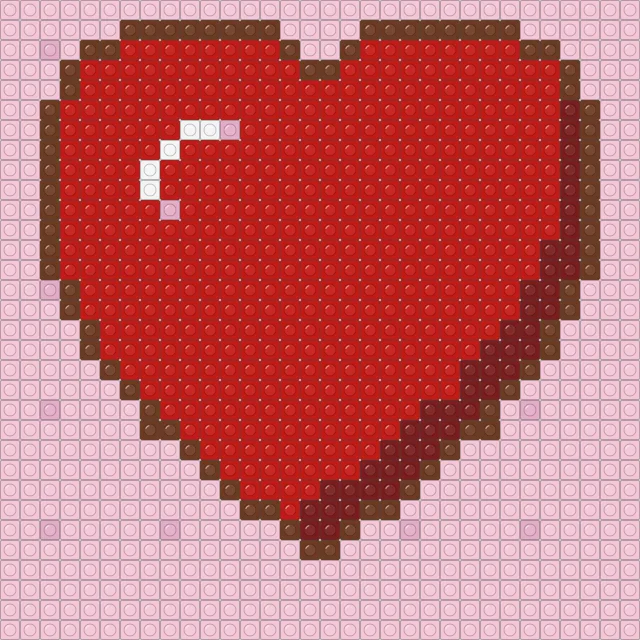 Big red heart brick mosaic
-
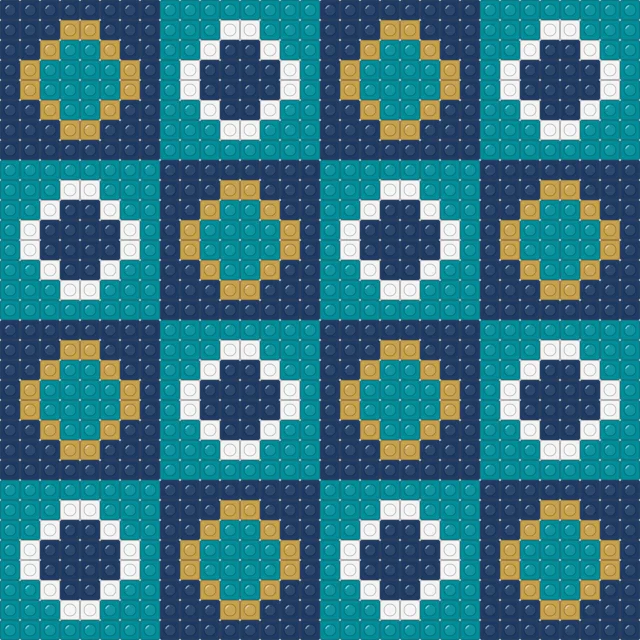 Geometric tile brick mosaic
-
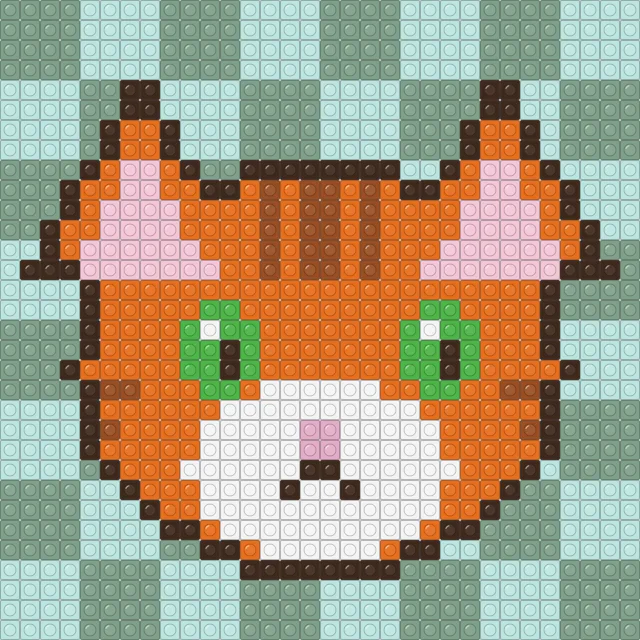 Ginger cat brick mosaic
-
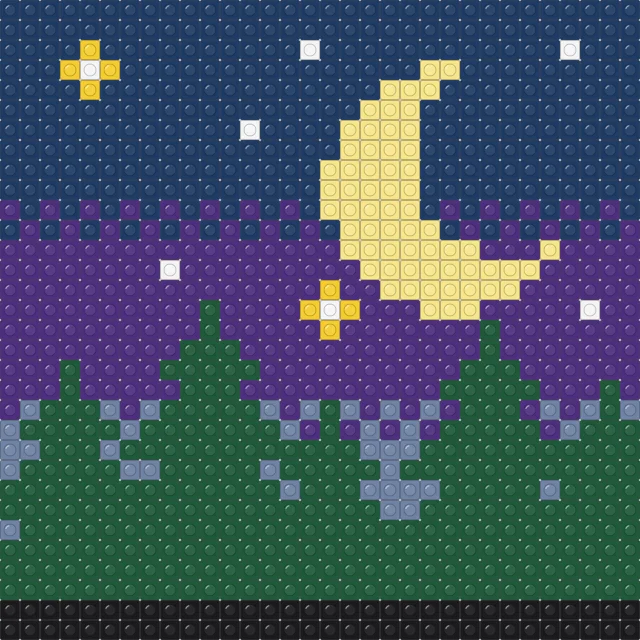 Moonlit forest brick mosaic
-
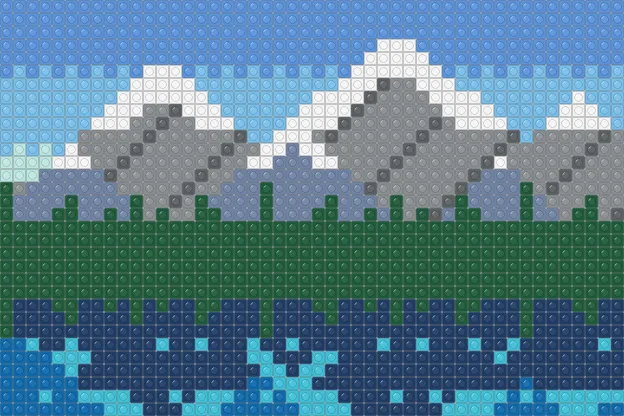 Mountain lake brick mosaic
-
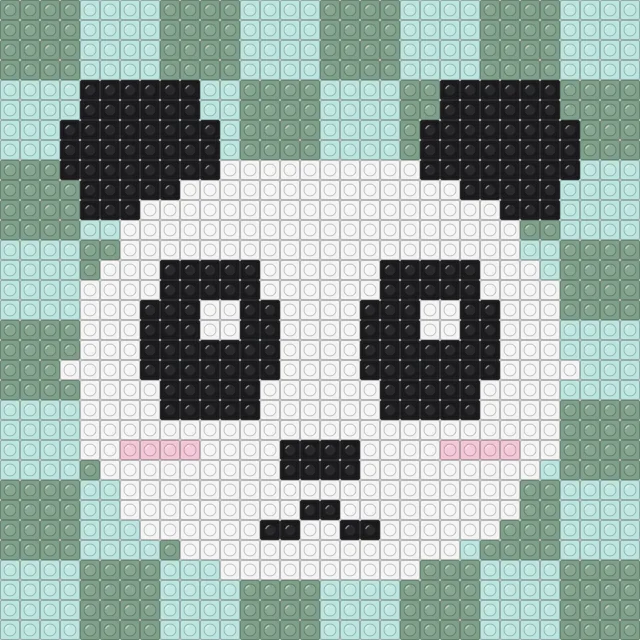 Panda face brick mosaic
-
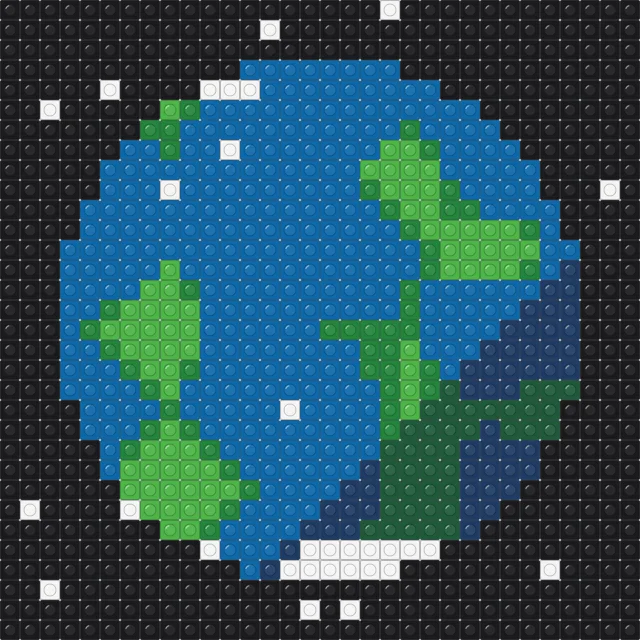 Planet Earth brick mosaic
-
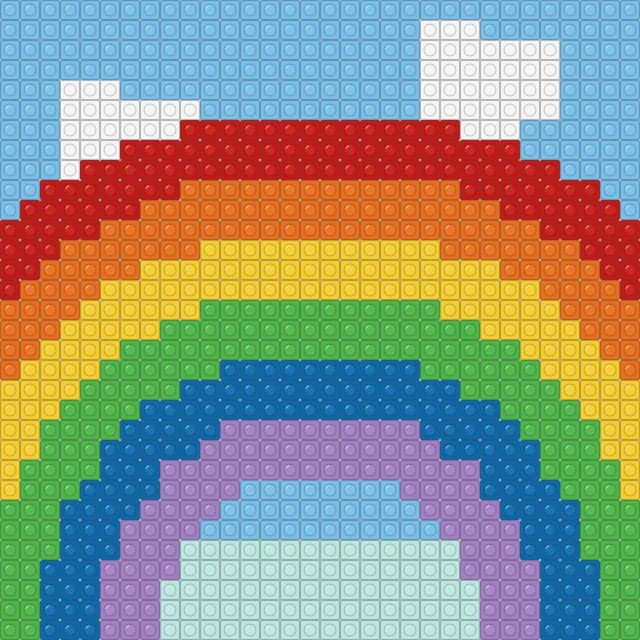 Rainbow arches brick mosaic
-
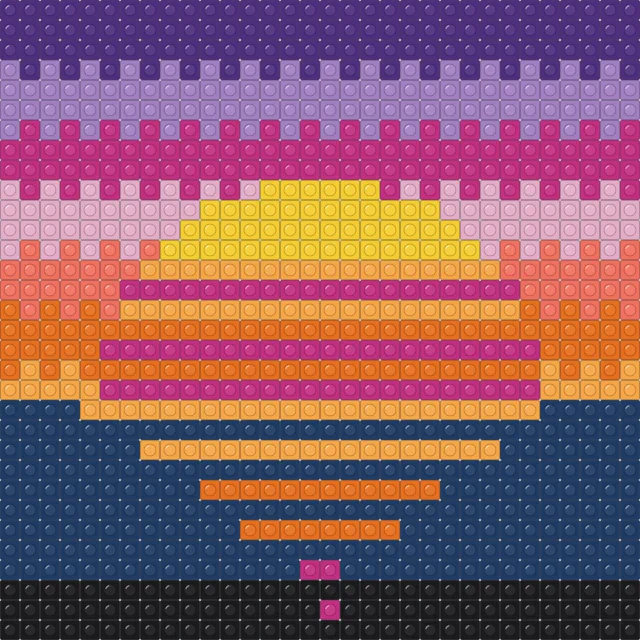 Retro sunset brick mosaic
-
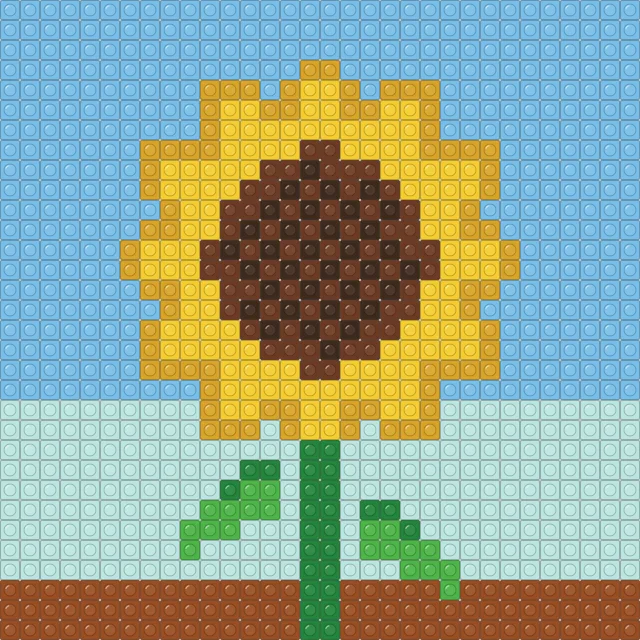 Sunflower brick mosaic
Each design is drawn piece by piece on a grid that matches standard 32 × 32 baseplates, and the chart has heavier lines every 16 pieces so you always know which quarter of a plate you are working on. The parts list tells you exactly how many 1 × 1 pieces you need in each colour before you start sorting.
The colours are generic brick colours with our own names, chosen to match the solid colours most often available for 1 × 1 plates and tiles. Round pieces or tiles work just as well as studded plates; the editor lets you switch the preview between studs, tiles and rounds.
Most of the designs fit one baseplate, about 25.6 cm (10 inches) square, which makes them easy to frame. Larger landscapes span more than one plate; the pattern page says how many you need and the chart marks where the plates meet.
Every design is original — we never copy characters, logos or other artists' work — and you are free to build, display and share what you make under CC BY-NC 4.0. Open any design in the editor to change colours or to turn a photo of your own into a mosaic.
Frequently asked questions
Which pieces do these mosaics use?
Square 1 × 1 plates or tiles, or round 1 × 1 pieces, one per square of the chart, on standard 32 × 32 baseplates.
How big is a 32 × 32 mosaic?
About 25.6 cm (10 inches) square, since each stud is 8 mm apart.
Are these official set colours?
No. They are generic colour names chosen to match commonly available solid colours; pick the closest pieces you can get.
Can I make my own photo into a mosaic?
Yes. Use the brick mosaic pattern maker to convert any photo, choose the number of plates and get a parts list.
Last updated · About us