-
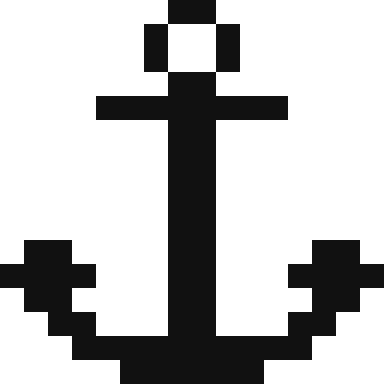 Black and white anchor pixel art
-
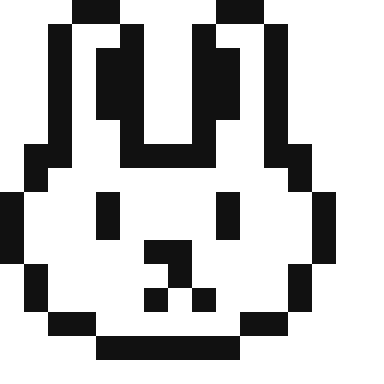 Black and white bunny pixel art
-
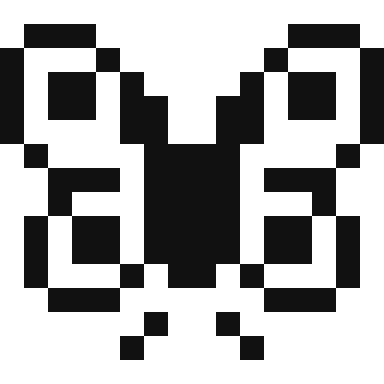 Black and white butterfly pixel art
-
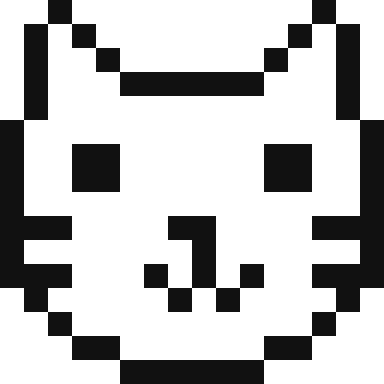 Black and white cat face pixel art
-
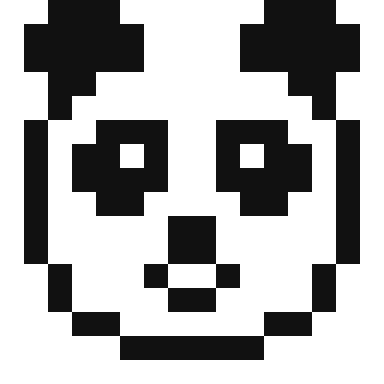 Black and white panda pixel art
-
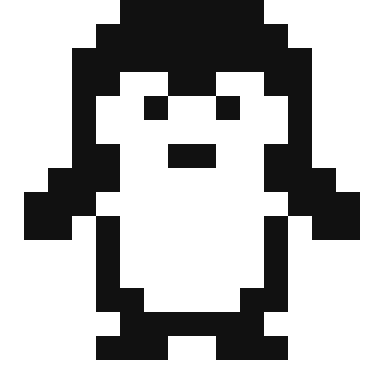 Black and white penguin pixel art
-
 Black and white smiley face pixel art
-
 Cute skull pixel art
-
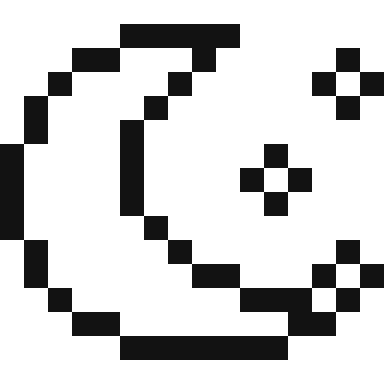 Moon and stars pixel art
-
 Music notes pixel art
-
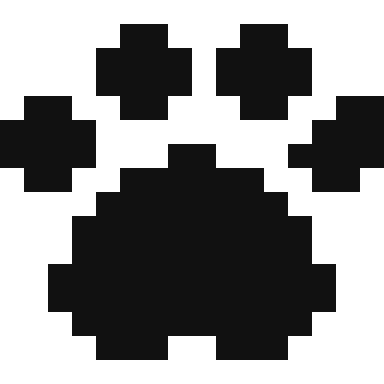 Paw print pixel art
-
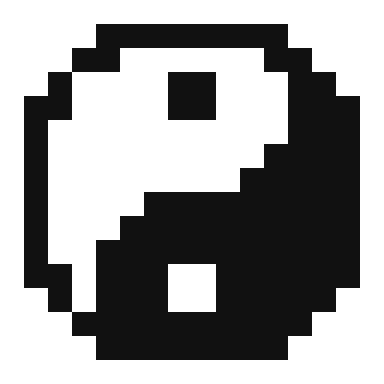 Yin yang pixel art
Why two colours work
Black and white pixel art is pure shape. With no shading to rely on, every design here is built from a strong outline and solid areas, which is why it stays readable when printed small, stitched or beaded. It is also the cheapest pixel art to make: one skein of black thread or one bag of black beads is enough.
Colour by square
Print the PDF and colour the black squares with a pen or pencil to reveal the picture, a calm activity for children and a good introduction to reading a grid. Older children can copy a design onto blank graph paper by counting squares, then invent their own.
Add colour later
Every design opens in the pixel art editor, so you can fill the white areas with colour once the outline is done: pink inner ears on the bunny, a yellow moon, rainbow wings on the butterfly. For full-colour ideas, browse all the pixel art ideas.
Frequently asked questions
What can I make with black and white pixel art?
Colouring sheets, one-colour cross stitch (blackwork style), two-colour fuse bead magnets and keyrings, knitting or C2C motifs, and minimalist icons or stickers.
Which design is easiest?
The paw print uses only black, so there is nothing to fill around. The smiley face and the panda are next, with large simple areas.
Can I print them as colouring pages?
Yes. Download the PDF from any pattern page; the grid is numbered so children can count squares as they colour.
Can I swap black for another colour?
Yes. Open the design in the editor and replace black with navy, brown or any colour; the white parts stay white.
Last updated · About us